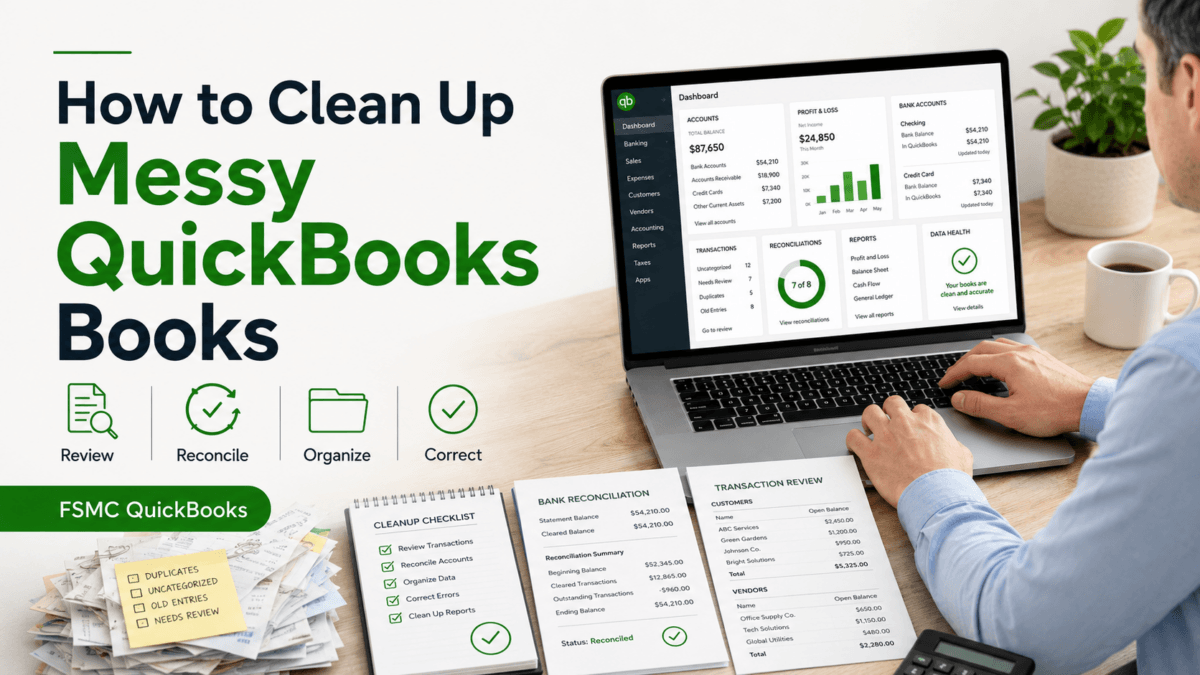

How to Set Up QuickBooks for a Small Business
June 9, 2026
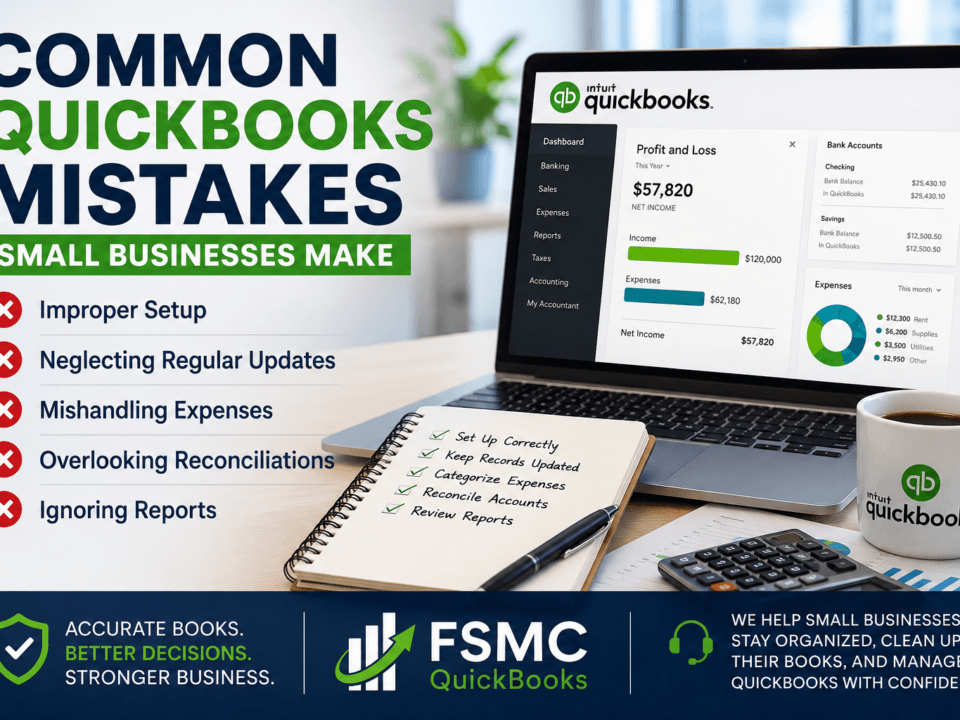
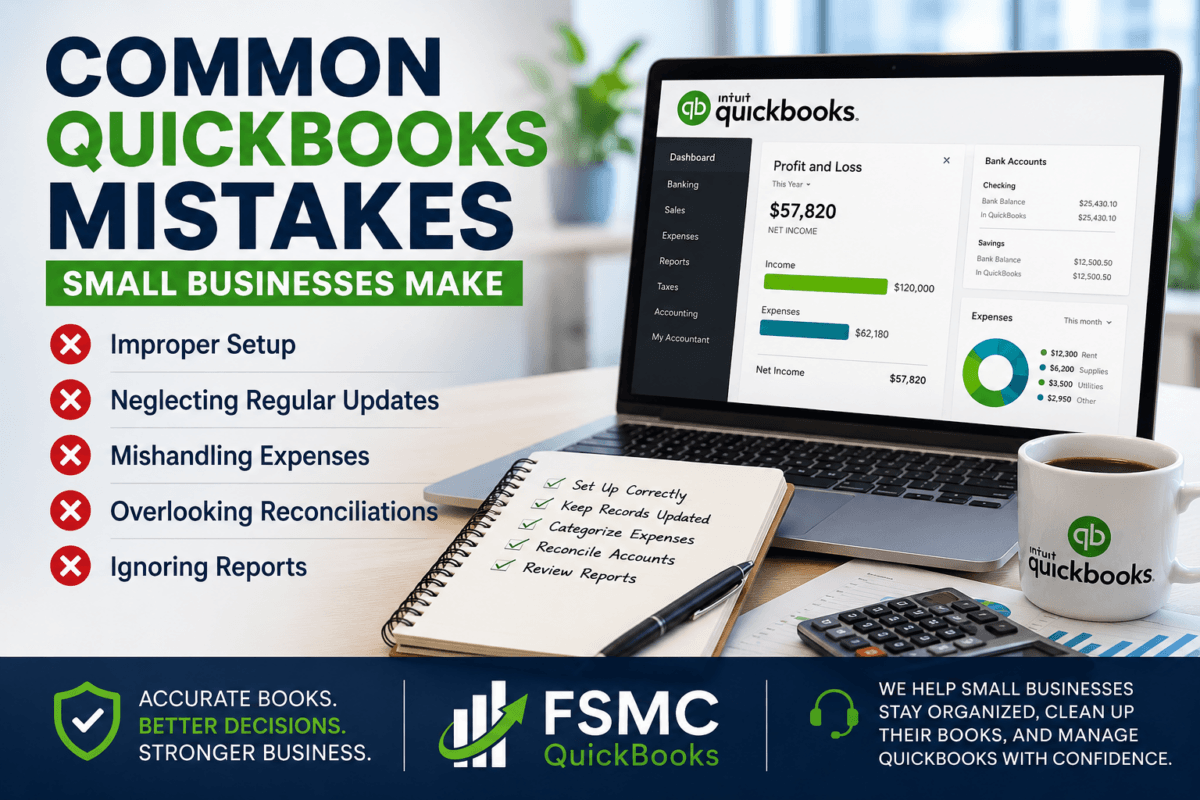
Common QuickBooks Mistakes Small Businesses Make
June 15, 2026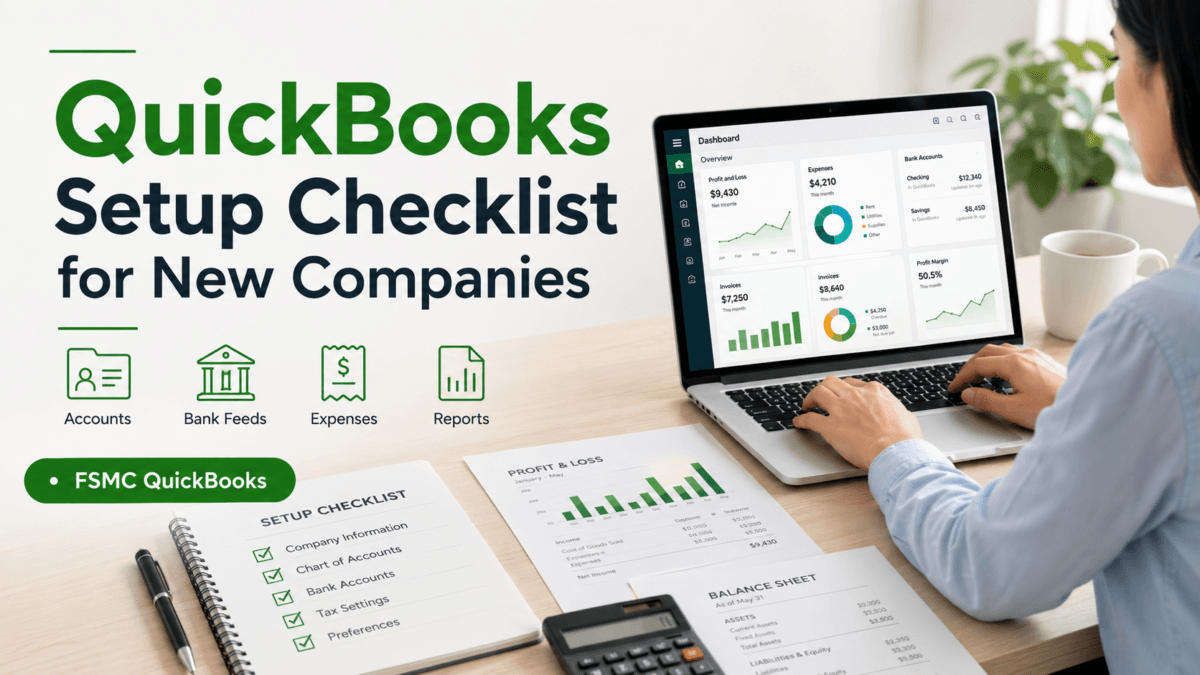
QuickBooks Setup Checklist for New Companies
Compliments of FSMC Bookkeeping Services
Setting up QuickBooks for your new company can be a daunting task. However, having a structured checklist can simplify the process and ensure you’re laying a solid foundation for your financial management. This practical guide will walk you through the essential steps to set up QuickBooks efficiently.
1. Create Your QuickBooks Account
The first step is to create your QuickBooks account. Visit the QuickBooks website to sign up. Choose the version that best fits your business needs, whether it’s QuickBooks Online, Desktop, or another option.
Remember to collect your business information, including your EIN (Employer Identification Number), contact details, and address before starting the sign-up process.
2. Set Up Your Company Profile
Once your account is created, it’s time to set up your company profile. You’ll need to enter details such as:
- Company name
- Business structure (LLC, Corporation, etc.)
- Industry type
- Your business logo (optional, but highly recommended)
3. Customize Your Chart of Accounts
Your chart of accounts is the backbone of your financial reporting. QuickBooks provides a default chart, but customizing it to fit your business needs is crucial. Categorize your accounts based on income, expenses, assets, liabilities, and equity.
Types of Accounts to Consider
- Income accounts (Sales Revenue, Service Income)
- Expense accounts (Cost of Goods Sold, Rent Expense)
- Asset accounts (Cash, Inventory)
- Liability accounts (Accounts Payable, Loans Payable)
4. Configure Your Preferences
Next, you’ll want to configure your QuickBooks preferences. This includes options for:
- Sales tax settings
- Payment processing (accepting credit cards, bank payments)
- Invoice customization (adding terms, payment options)
5. Add Customers and Vendors
To streamline your operations, input your customers and vendors into QuickBooks. This will facilitate smoother invoicing and payment processing. Make sure to include any pertinent contact information.
6. Enter Opening Balances
If your business is transitioning to QuickBooks from another system, enter your opening balances for all accounts. This will ensure continuity in your financial records.
7. Test the System
Once you have everything set up, run a few test transactions. Create invoices and enter expenses to ensure everything works as expected. This step is vital to identify any issues before you start operating fully on the software.
8. Backup Your Data
Before you officially start using QuickBooks, make sure to back up all your data. QuickBooks offers built-in backup features. Regular backups will keep your financial data safe.
FAQ
How long does it take to set up QuickBooks for my new company?
The setup time can vary depending on the size of your business and the complexity of your accounts, but typically it should take a few hours to a couple of days.
What if I need help during the setup process?
It’s always a good idea to seek help if needed. FSMC QuickBooks is here to assist small businesses in getting organized and managing their QuickBooks with confidence.
Conclusion
By following this QuickBooks setup checklist, you can ensure that your new company is off to a strong financial start. For more detailed guidance, check out our article on How to Set Up QuickBooks for a Small Business.
Don’t hesitate to reach out to FSMC QuickBooks for support in organizing your books and making your QuickBooks experience seamless and confident.