
QuickBooks Online Year-End Reconciliation | FSMC
October 15, 2026
Track and Follow Up on Overdue Invoices | QuickBooks Online
November 3, 2026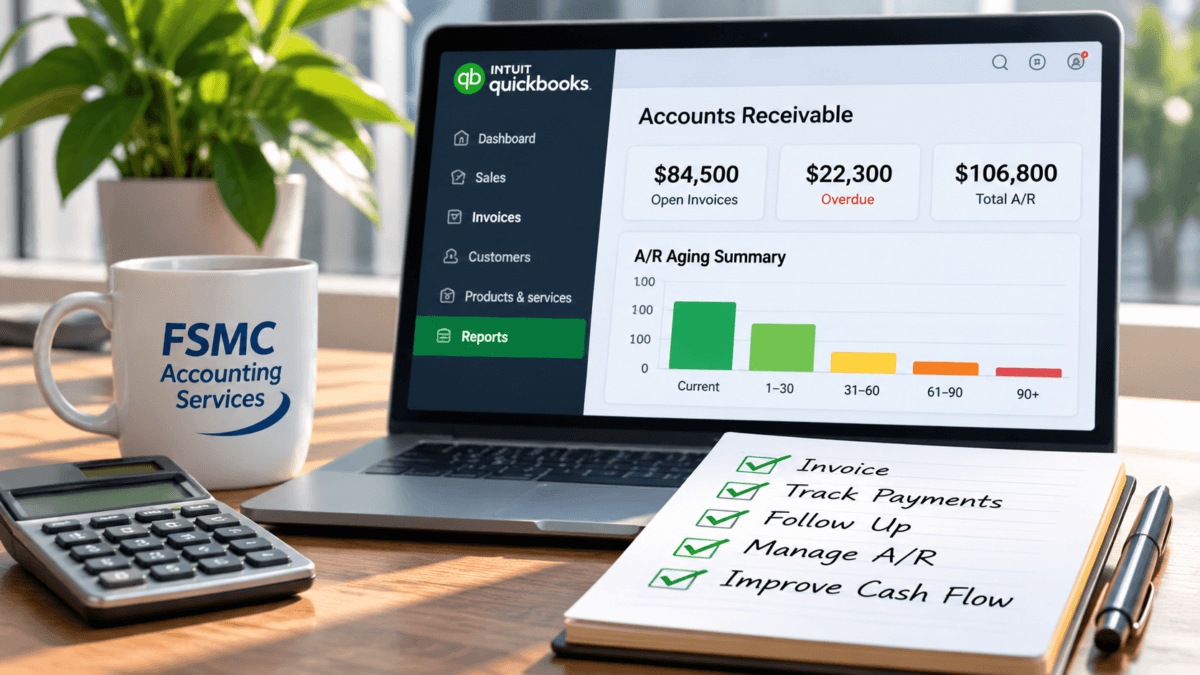
QuickBooks Online Accounts Receivable Management: A Small Business Guide
Effective management of accounts receivable is crucial for small businesses seeking to maintain a stable cash flow. When you utilize QuickBooks Online accounts receivable management, you gain a robust tool that simplifies invoice creation, payment tracking, and reporting. In this guide, we will explore how small businesses can effectively navigate the entire accounts receivable process using QuickBooks Online, from accurate invoicing to payment application and month-end reporting.
The Importance of Accurate Invoicing
Accurate invoicing is the foundation of effective accounts receivable management. QuickBooks Online allows you to streamline the invoicing process with customizable templates and essential customer information. Here’s a straightforward approach to setting up your invoices:
- Create a New Invoice: Navigate to the “Sales” tab and select “Invoices.” From there, click on “New Invoice.”
- Fill in Customer Details: Select or add your customer, ensuring their contact information is correct.
- Detail Your Products or Services: Include a clear description, quantity, and price for each item or service provided.
- Set Payment Terms: Define the payment terms to ensure clarity—such as net 30 days or due on receipt.
- Send the Invoice: QuickBooks Online allows you to send invoices via email directly, making it more efficient for your customers to pay.
Following these steps ensures that your customers receive clear and accurate invoices, helping to avoid confusion and disputes later on.
Managing Customer Payment Applications
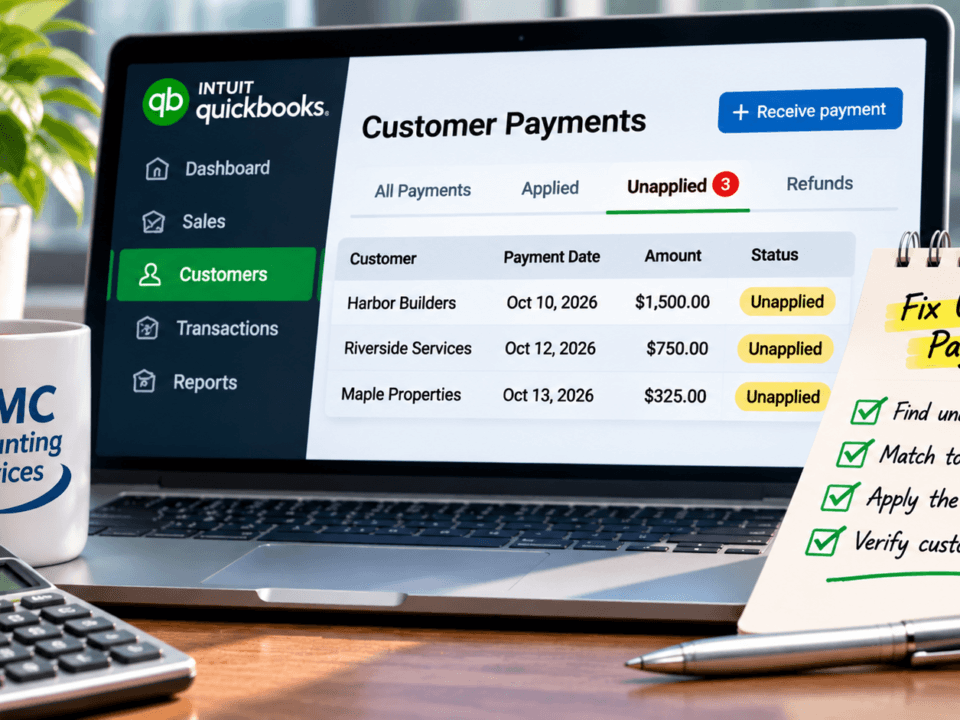
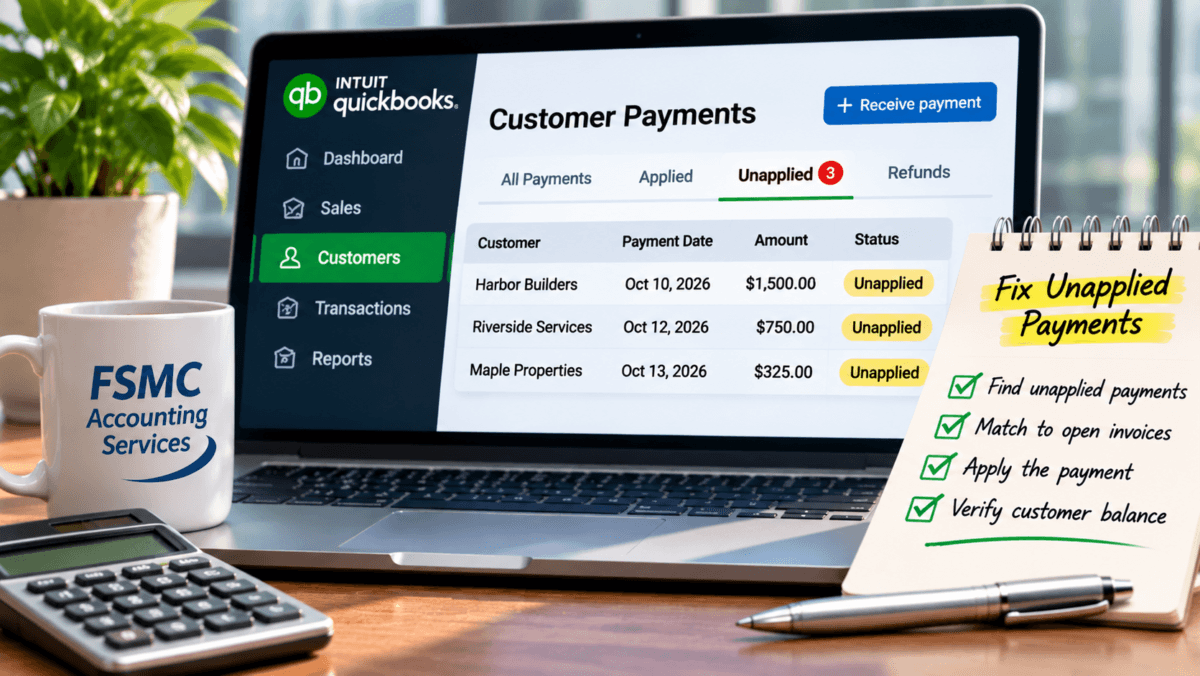
Once your invoices are sent, tracking payments is essential for maintaining accurate financial records. QuickBooks Online helps you document customer payments and match them to outstanding invoices. To apply a customer payment:
- Navigate to Customers: From the dashboard, go to the “Sales” menu and select “Customers.”
- Select the Customer: Find the customer making the payment and click on their name.
- Add Payment: Click on “Receive Payment,” and fill in the payment details, ensuring they are matched to the correct invoice.
The accurate matching of payments to invoices is crucial. Misapplication of payments can lead to discrepancies and an inaccurate view of your accounts receivable, which may further complicate cash flow management.
Understanding Accounts Receivable Aging Reports
Aging reports are vital for monitoring the outstanding amounts you are owed. QuickBooks Online generates accounts receivable aging reports, which categorize outstanding invoices by age. This process helps you identify overdue balances and take necessary action. To generate an aging report:
- Access Reports: Click on the “Reports” tab.
- Find Accounts Receivable Reports: Scroll down to find the “Accounts Receivable Aging” report.
- Customize the Report: You can tailor the report date range and other parameters to get the most relevant data.
Regularly reviewing your aging report can assist in planning collections and improving cash flow visibility.
Addressing Overdue Invoices
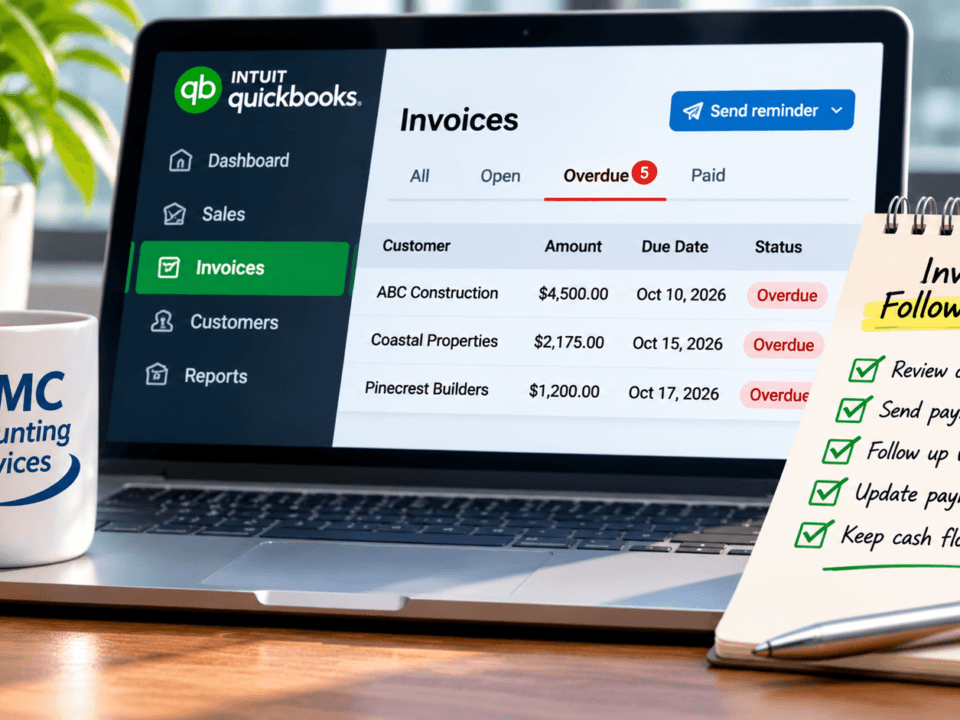
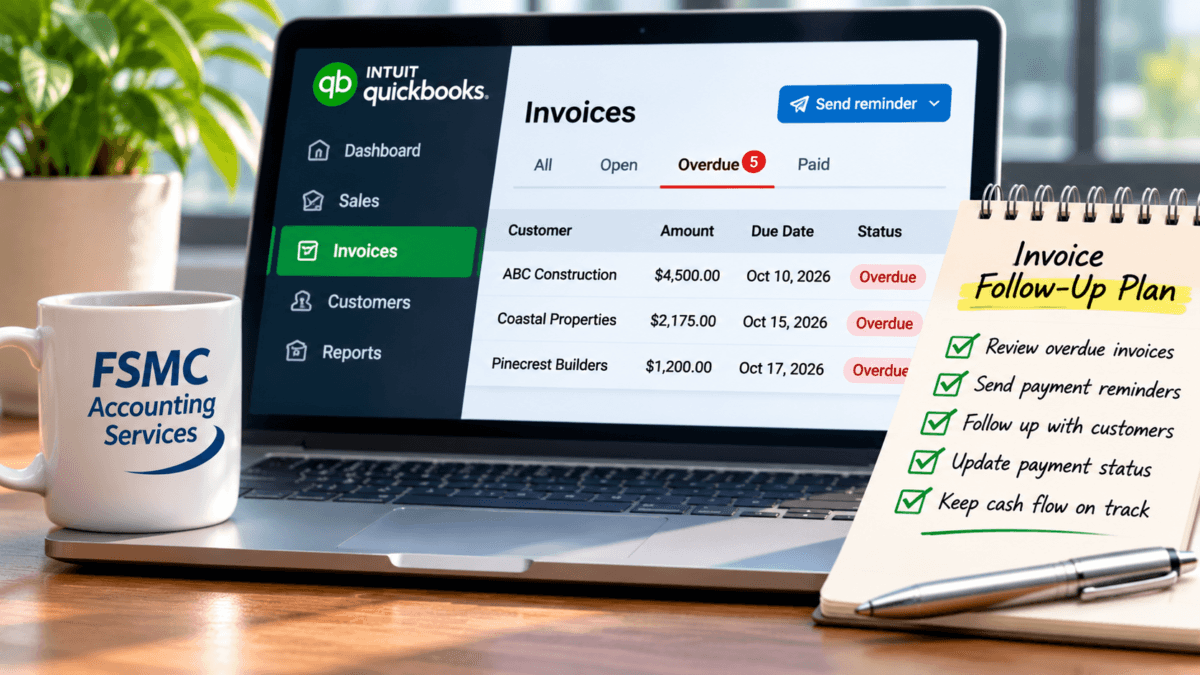
Outstanding invoices can negatively impact cash flow. Monitoring overdue invoices and implementing follow-up procedures is imperative. QuickBooks Online allows you to track overdue invoices easily. Here are some practical steps to manage them:
- Set Reminders: Utilize QuickBooks Online to set reminders for follow-ups, ensuring timely intervention.
- Communicate with Customers: Use the “Customer Statement” function to resend invoices and reminders about overdue balances.
- Escalate if Necessary: For consistent non-payers, consider implementing more formal communication or procedures.
By staying on top of overdue invoices, you ensure your cash flow remains steady and predictable.
Distinguishing Cash Received from Revenue Recognized
Understanding the difference between cash received and revenue recognized is crucial for accurate financial reporting. Under cash-basis accounting, income is recorded when cash is received. In contrast, accrual accounting recognizes income when the invoice is issued, regardless of when the payment is made. QuickBooks Online can handle both methods but it’s essential to choose the one that aligns with your business needs.
Conducting Regular Accounts Receivable Reviews
Regular reviews of your accounts receivable are essential for maintaining financial accuracy and ensuring that discrepancies are caught early. QuickBooks Online provides the tools needed to review customer statements, check payment applications, and reconcile any discrepancies effectively.
- Monthly Reconciliation: Schedule monthly reviews of your accounts receivable records against bank deposits and invoices to catch any inconsistencies.
- Keep Accurate Records: Document every interaction and payment, preserving an audit trail to assist in future reconciliations.
This routine can help identify issues before they escalate and ensure that cash flow remains unimpeded.
Using QuickBooks Online Effectively
Utilizing QuickBooks Online effectively for accounts receivable management can lead to improved cash flow visibility and better management decisions. By implementing reliable internal controls, maintaining accurate invoicing, and regularly reviewing accounts receivable, small businesses can thrive.
As a professional accounting and financial administration resource, FSMC Accounting Services can assist you with every aspect of utilizing QuickBooks Online for your bookkeeping and accounting needs. Our expert team is dedicated to helping small businesses manage their financial health through effective accounts receivable administration and beyond.
Related QuickBooks Online Resources
- How to Track and Follow Up on Overdue Invoices in QuickBooks Online
- How to Find and Fix Unapplied Customer Payments in QuickBooks Online
If you need professional assistance with your accounting or bookkeeping, don’t hesitate to reach out to FSMC Accounting Services. Visit us at fsmcquickbooks.com for more information.
#FSMCAccounting #QuickBooksOnline #AccountsReceivable #SmallBusinessAccounting #CashFlowManagement #FinancialReporting #BusinessFinance