Track and Follow Up on Overdue Invoices | QuickBooks Online
November 3, 2026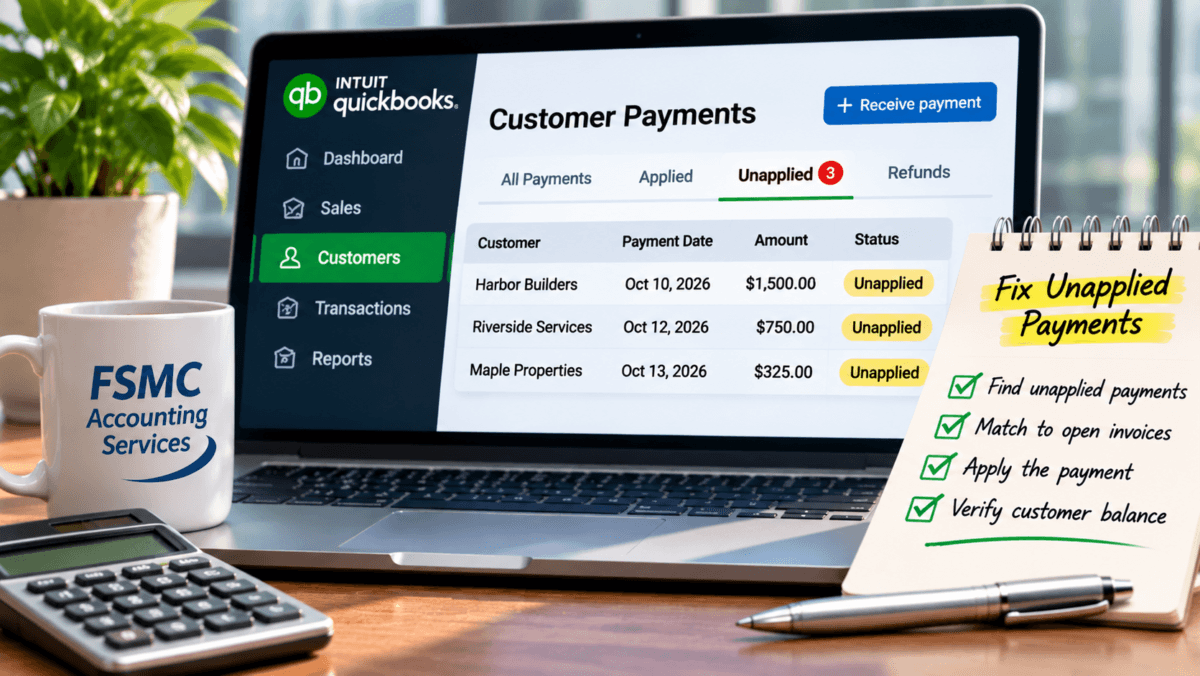
How to Find and Fix Unapplied Customer Payments in QuickBooks Online
If you’re using QuickBooks Online, you may encounter situations where customer payments remain unapplied. Understanding and resolving these discrepancies is crucial for maintaining accurate accounts receivable records and ensuring reliable financial reporting. This article will guide you through the steps to identify, trace, and resolve unapplied customer payments in QuickBooks Online, ultimately improving your cash flow and financial management.
Understanding Unapplied Customer Payments
Unapplied customer payments occur when a payment is recorded without being matched to an open invoice. Symptoms of this issue often include seeing multiple unused payments alongside invoices that remain unpaid. This not only complicates your financial records but can also hinder your cash flow visibility.
Common Causes of Unapplied Customer Payments
1. **Incorrect Payment Entry**: The payment was recorded before the invoice, or it was applied incorrectly.
2. **Customer Credits**: A credit memo was issued but not applied to the appropriate invoice.
3. **Multiple Transactions**: Duplicate payment entries can lead to confusion if not corrected.
Identifying Unapplied Payments in QuickBooks Online
To begin correcting unapplied customer payments, you first need to identify them. Follow these steps:
1. **Open the Customer Center**: Navigate to the “Sales” or “Customers” tab.
2. **View Transaction History**: Look for customers with open invoices and check for any payments that are not linked to those invoices.
3. **Examine the Payment Entries**: Click on individual customer payments to inspect how transactions are recorded.
Common Symptoms
– Open invoices without corresponding payments.
– Payments in the “Unapplied Payments” section of customer reports.
– Mismatched or seemingly excess payments in customer accounts.
Steps to Fix Unapplied Customer Payments
Resolving unapplied customer payments can be done effectively with the following steps:
1. **Access the Transactions**: Locate the unapplied payment within the Customer Center.
2. **Match Payment to Invoice**:
– Click on the payment, then select “Receive Payment.”
– Ensure the related invoice is checked.
3. **Exclude Duplicate Payments**: If a duplicate payment was created, ensure to use the original applicable payment when matching to the open invoice, and avoid creating a second entry.
4. **Record the Changes**: Save any updates made.
Important Note on Reconciled Transactions
Be cautious when correcting unapplied payments, particularly if transactions were previously reconciled. Changing these records may lead to discrepancies in your accounts and reporting. Always consult with an accounting professional before making any changes to reconciled transactions.
Verifying Your Entries
After you’ve resolved the unapplied payments, conduct a review:
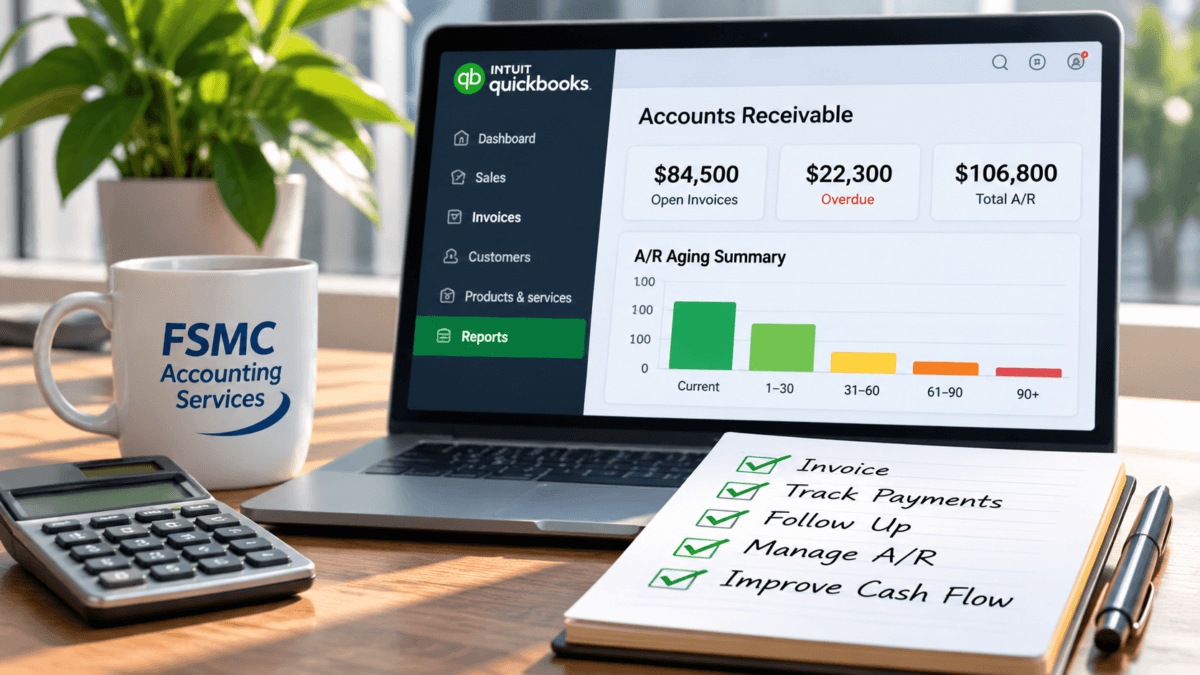
1. **Review Aging Reports**: Check the Accounts Receivable Aging reports to ensure all payments have been correctly applied and there are no outstanding balances.
2. **Verify Customer Balances**: Confirm that the customer balances reflect accurate figures following the adjustments.
Maintaining accurate customer balances is vital for effective cash flow management and organizational planning.
Best Practices for Managing Customer Payments
– **Regular Reconciliation**: Make it a habit to reconcile your accounts regularly to catch any discrepancies early.
– **Accurate Entry**: Ensure staff are trained to capture customer transactions correctly to prevent future unapplied payments.
– **Utilize Financial Reports**: Regularly inspect financial reports generated by QuickBooks Online to identify any inconsistencies in your accounts.
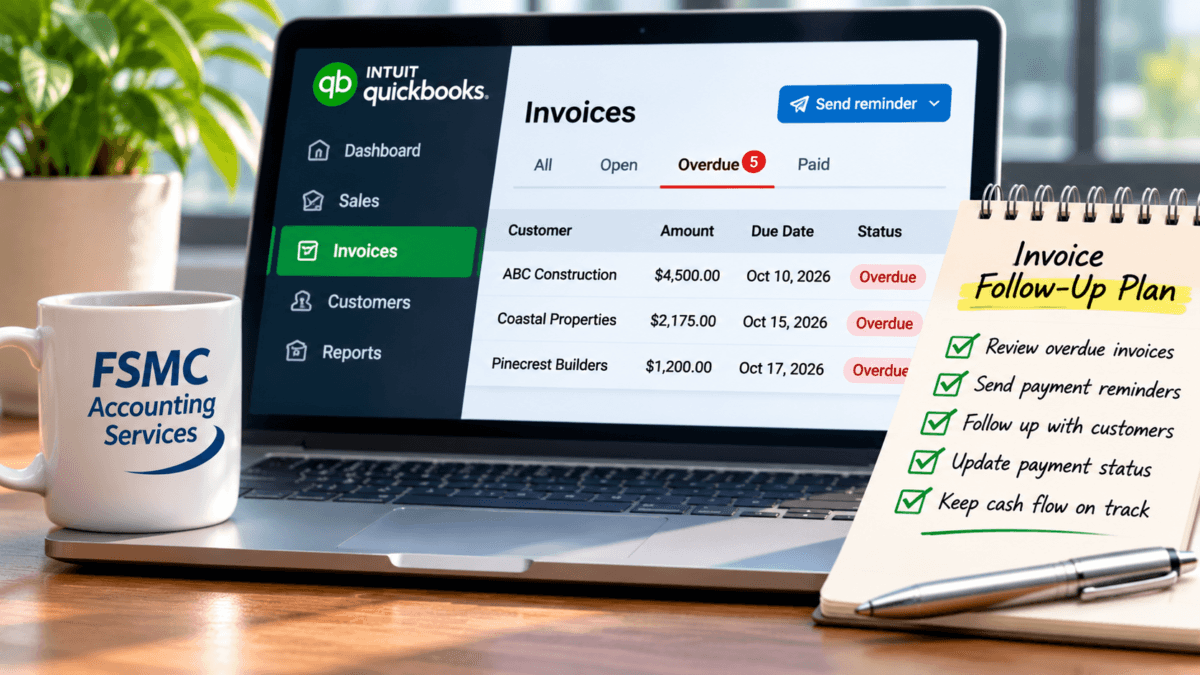
QuickBooks Online supports effective accounts receivable management through its comprehensive tools, which help track customer invoicing, payment histories, and overdue balances. Leverage these features to maintain clear financial records.
Conclusion
Managing unapplied customer payments in QuickBooks Online is essential for preserving accurate financial records, enhancing cash flow visibility, and ensuring effective financial reporting. By following the steps outlined above and practicing diligent record-keeping, you can efficiently tackle any unapplied payments within your system.
If you need further assistance with QuickBooks Online bookkeeping or financial administration, consider reaching out to FSMC Accounting Services for professional support. Visit us at fsmcquickbooks.com.
Related QuickBooks Online Resources
#FSMCAccounting #QuickBooksOnline #CustomerPayments #PaymentReconciliation #AccountsReceivable #BookkeepingTips #AccountingAccuracy